Physical Address
304 North Cardinal St.
Dorchester Center, MA 02124
Physical Address
304 North Cardinal St.
Dorchester Center, MA 02124
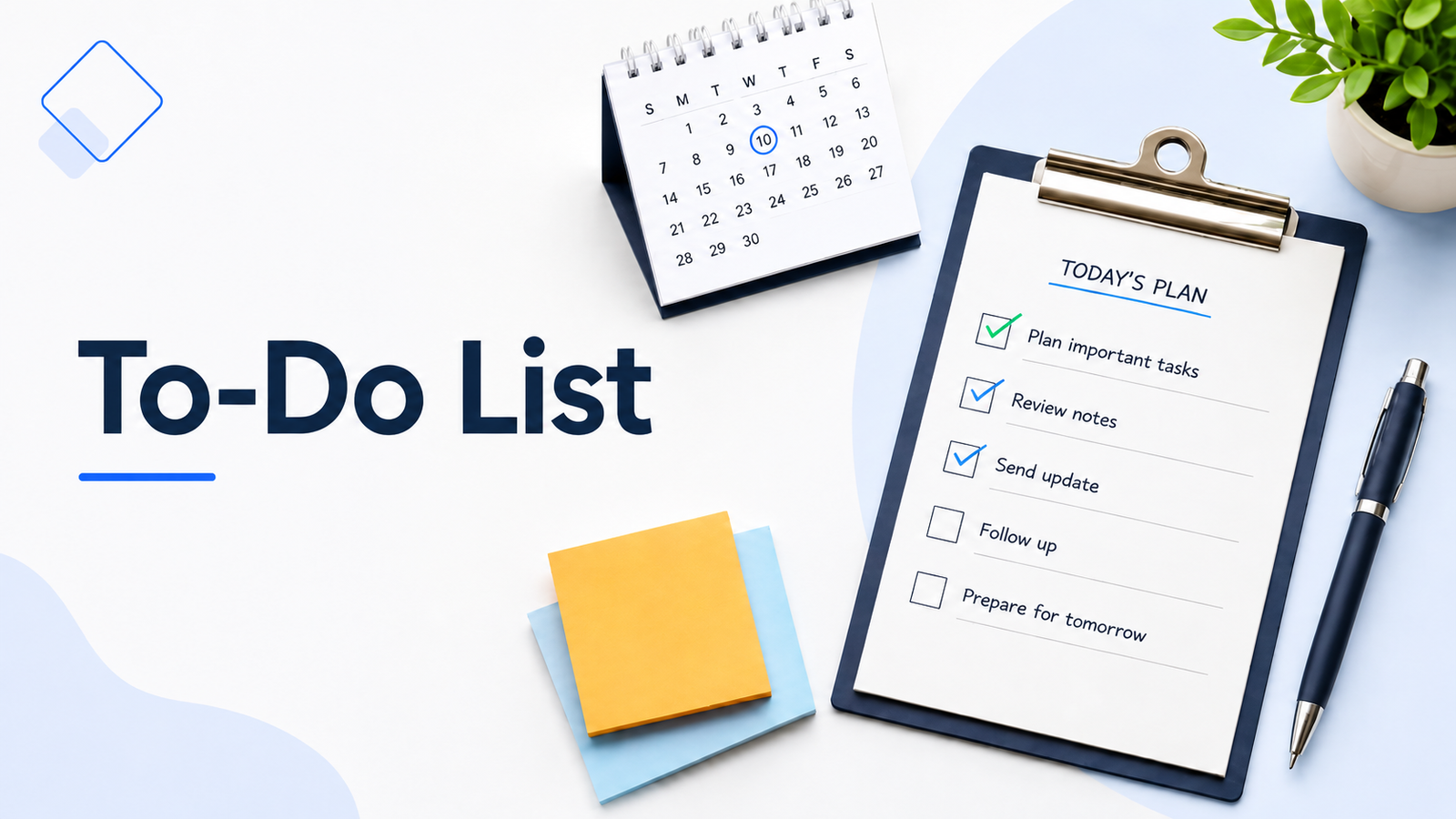
A to-do list should make your day feel clearer, not heavier. But for many people, it becomes the opposite. You start with a few simple tasks, then the list grows into a mix of work deadlines, personal errands, reminders, ideas, and unfinished items from last week. Instead of helping you focus, it becomes one more thing to manage.
The problem is usually not the to-do list itself. It is how the list is built.
A useful to-do list does more than hold tasks. It helps you see what needs attention, choose what matters today, and break work into steps you can actually start. When your list is too long, too vague, or too crowded, even simple tasks can feel harder than they are.
A better to-do list is simple, realistic, and easy to review. It gives your tasks a place to go without making every item feel equally urgent.
A to-do list is a simple list of tasks you need to complete. It can include work assignments, personal errands, follow-ups, reminders, or small steps from a bigger project.
You can keep a to-do list on paper, in a notes app, inside a planner, or in a task management tool. The format matters less than how clearly the list helps you understand what needs to be done.
A useful to-do list is not just a place to dump every task in your head. It should help you turn scattered responsibilities into clear actions. Instead of trying to remember everything, you give each task a place, then choose what needs your attention now.
For example, “website work” is too broad to be useful. “Review homepage headline” is clearer because it tells you exactly what to do next.
A good to-do list should make your next step easier to see.
A to-do list starts to feel heavy when everything goes into the same place with the same level of importance.
Work tasks, personal errands, follow-ups, ideas, and old unfinished items can quickly sit together on one long list. When that happens, the list no longer shows you what needs action first. It only shows you how much is still waiting.
Another common problem is vague tasks. A task like “finish project” or “organize files” may be true, but it does not give your brain a clear starting point. The task feels bigger because the next action is hidden inside it.
A to-do list can also become overwhelming when it carries too many tasks for one day. You may write ten or fifteen things because they all feel useful, but a normal workday has interruptions, meetings, messages, and energy changes. When the list is not realistic, it creates pressure instead of direction.
Old tasks can make the list feel even worse. If the same item has been moved forward for several days, it may need to be broken into a smaller step, moved to a later list, or removed completely.
The list itself is not the problem. The problem is usually that the list has no filter. Everything feels urgent, everything feels unfinished, and nothing feels easy to start.
One reason a to-do list becomes stressful is that people try to use one list for everything.
A better approach is to keep a master list first.
Your master list is the place where you capture all the tasks, reminders, ideas, errands, and follow-ups you do not want to forget. It can include things you need to do today, later this week, next month, or someday when you have time.
This keeps your daily to-do list from becoming overcrowded.
Think of it this way:
Master list: everything you may need to do
Daily list: what you can realistically do today
Weekly list: what needs attention this week
When a new task comes up, add it to the master list first. Then decide whether it belongs on today’s list, this week’s list, or later.
This small separation makes your to-do list easier to trust. You do not have to carry every task in your daily view, but you also do not have to worry about forgetting it.
Your daily list should be the short, active version of your master list. It should show the tasks that deserve your attention now, not every task that exists.
A good to-do list is not just a longer version of your memory. It should help you move from “I have so much to do” to “this is the next thing I need to handle.”
Here is a simple way to build one.
Start by getting the tasks out of your head.
At this stage, do not worry about order, priority, or timing. Write down work tasks, personal errands, follow-ups, reminders, and anything else that is taking up mental space.
This first list may look messy, and that is fine. The goal is to capture everything before you start making decisions.
Before you organize the list, check whether everything on it still needs to be there.
Some tasks were useful when you first wrote them down, but they may no longer be important. Others may be nice ideas, not real priorities. If a task has been sitting on your list for weeks and nothing bad happens when you ignore it, it may not deserve space on your active list.
Deleting tasks is not failure. It is part of keeping your list honest.
A task should tell you what to do next.
Vague items make the list harder to use because they force you to think again before you can begin. Instead of writing broad tasks, turn them into clear actions.
For example:
Clear tasks reduce friction. You can look at the list and know where to start.
Some tasks stay unfinished because they are really projects in disguise.
A project like “prepare presentation” may include choosing the topic, creating an outline, adding slides, reviewing notes, and practicing the delivery. When all of that appears as one task, it feels bigger than it needs to.
Break larger work into smaller steps that can be completed one at a time.
Instead of writing:
Prepare presentation
Write:
Smaller steps make progress visible. They also make it easier to continue when you only have a short amount of time.
After your list is clear, it helps to prioritize tasks before choosing what matters most today.
This is where many to-do lists go wrong. If every task looks equally important, the list becomes hard to act on. You do not need every item to be a priority. You need a small number of tasks that deserve your best attention.
For most days, choose one to three main tasks. These are the tasks that would make the day feel useful even if smaller items have to wait.
You can still keep quick tasks on the list, but they should not compete with the work that matters most.
Small tasks can be useful, but they can also crowd your list.
A two-minute reply, a payment reminder, and a quick file update do not need the same space as a project deadline or important work task. Keep them in a separate section so they are easy to handle without distracting from your priorities.
You can use simple labels like:
This helps your list stay easy to scan.
A to-do list should not be copied forward without thought.
At the end of the day, look at what is finished, what is unfinished, and what still matters. Some tasks may need to move to tomorrow. Some may need to be broken into smaller steps. Some may belong on the weekly list instead of the daily list.
Ask yourself:
A short review keeps your list fresh. It also stops unfinished tasks from turning into a pile of quiet pressure.
A daily to-do list works best when it is easy to scan.
Instead of writing one long list, divide your tasks into a few simple sections. This helps you see what matters most, what can be done quickly, and what does not need your attention today.
Here is a simple format you can use:
Today’s Priorities
Quick Tasks
Later / Not Today
This format works because it does not treat every task the same.
Your priority tasks are the main work of the day. Quick tasks are useful, but they should not take over your focus. The “Later / Not Today” section gives you a place to keep tasks without forcing them into today’s schedule.
A clear daily list should help you answer one simple question:
What needs my attention today, and what can wait?
A daily to-do list and a weekly to-do list are not the same thing.
Your daily list should be short and specific. It should include the tasks you can realistically complete today, based on your time, energy, meetings, deadlines, and other responsibilities.
When you plan your week, a weekly list gives you a wider view. It helps you see what needs attention across the next few days, so you are not planning each day from scratch.
Think of it like this:
| List type | Best for | What it should include |
|---|---|---|
| Daily to-do list | Today’s action | Clear tasks you can complete today |
| Weekly to-do list | Bigger view | Important tasks, deadlines, and follow-ups for the week |
For example, your weekly list may include “prepare monthly report.” But your daily list should include a smaller next step, such as “collect sales numbers for monthly report.”
This keeps your daily list manageable while still helping you move bigger work forward.
A weekly list also helps you avoid overloading one day. When you can see the full week, it becomes easier to decide what belongs today, what can move to tomorrow, and what can wait until later.
There is no perfect place to keep a to-do list. The best format is the one you will actually check and update.
A paper to-do list works well when you want something simple and visible. You can keep a to-do list on paper, in a notes app, inside a planner, or in a task management tool. It is easy to use, quick to scan, and helpful if you like the feeling of writing tasks by hand.
Paper is a good fit when:
A digital to-do list or simple task management app works better when your tasks change often or you need reminders across devices. It can also help if you manage recurring tasks, work projects, personal errands, and follow-ups in one place.
Digital is a good fit when:
You can also use both. For example, you might keep a master list in a digital app and write your daily priorities on paper each morning.
The tool matters less than the habit. A simple paper list you review every day is more useful than a powerful app you never open.
A to-do list should help you feel more organized, not more behind. If your list keeps growing but your progress feels unclear, one of these mistakes may be the reason.
A vague task makes you pause before you can start.
For example, “work on project” does not tell you what to do next. “Review project brief” or “write first section of project notes” is easier to act on.
The clearer the task, the easier it is to begin.
A long daily list may feel productive when you write it, but it can become discouraging by the end of the day.
Most days include interruptions, messages, calls, meetings, and unexpected work. If your list does not leave space for real life, it will always feel unfinished.
Choose fewer tasks than you think you can handle. A realistic list is easier to trust.
Not every task deserves the same attention.
Some tasks move important work forward. Others are quick admin items. Some can wait. When everything sits together without priority, small tasks can distract you from the work that matters most.
Separate your main priorities from quick tasks and later tasks.
If the same task keeps moving from one day to the next, do not just copy it again.
Ask why it is not getting done. Maybe it is too vague. Maybe it is too big. Maybe it is no longer important. Maybe you need to make the first step smaller.
A repeated task is usually a sign that the list needs a decision.
A to-do list is a planning tool, not a record of everything you failed to finish.
Some tasks will move. Some will change. Some will disappear. That does not mean the list is not working.
The point is not to complete every possible task. The point is to see your work clearly and choose the next useful step.
A to-do list and time blocking can work well together, but they are not the same thing.
A to-do list helps you decide what needs to be done. Time blocking helps you decide when you will work on it.
You do not need to time block every small task on your list. Quick replies, small errands, simple reminders, and short admin tasks can often stay on the list without needing a calendar slot.
Time blocking becomes more useful when a task needs focus, has a deadline, or keeps getting pushed forward. For example, “write project proposal” may be easier to protect when you give it a clear time block on your calendar.
A simple way to use both is to choose your top priorities from your to-do list first. Then block time only for the tasks that need focused attention.
This keeps your list flexible while giving important work a better chance of getting done.
A to-do list becomes easier to use when each task is specific enough to act on. Instead of writing broad reminders, write the next clear step.
Here are a few simple examples.
This type of list works well because each item starts with an action. You know whether you need to review, send, reply, update, or prepare.
A personal list should stay simple. If one task has several steps, break it down instead of leaving it as one large reminder.
Today’s Priorities
Quick Tasks
Later / Not Today
A mixed list is useful when work and personal tasks both need attention. The key is to keep the important tasks separate from the smaller items, so your day does not become one crowded list.
A focused to-do list starts with the time and energy you actually have, not the perfect version of the day you hoped for.
Before you choose your tasks, look at what is already on your schedule. Meetings, calls, errands, appointments, and personal responsibilities all take space. If your day is already full, your to-do list should be shorter.
It also helps to separate deep work from quick tasks. A task like “write project summary” needs more focus than “reply to Sam.” When both sit on the same list without context, it is easy to underestimate how much energy the bigger task will take.
Try to choose fewer tasks, but make them clearer.
Instead of planning ten tasks and ending the day frustrated, choose a few tasks that would make the day feel useful. Then keep smaller items in a separate quick-task section.
Also, do not move unfinished tasks forward automatically. If something did not get done today, pause before adding it to tomorrow’s list. Ask whether it is still important, whether it needs a smaller next step, or whether it belongs on a later list.
A realistic to-do list gives you direction without pretending the day has unlimited space. It should help you work with your actual day, not create pressure around an ideal one.
A good to-do list is not about filling your day with as many tasks as possible.
It is about making your work easier to see, easier to choose, and easier to start. When your list is clear and realistic, you do not have to carry every task in your head or treat every item as equally urgent.
Start with a master list, choose a smaller daily list, and turn vague tasks into clear actions. Keep important work separate from quick tasks, and review unfinished items before moving them forward.
Your to-do list should give your day direction, not pressure.
Put clear tasks that need action, such as work assignments, errands, follow-ups, reminders, and small steps from bigger projects. Try to write each task as a specific action instead of a broad idea.
A daily to-do list works best when it is realistic. For many people, that means choosing one to three important tasks, then adding a few smaller quick tasks if there is room.
To-do lists often stop working when they are too long, too vague, or full of tasks that do not belong in the same place. A better list separates priorities, quick tasks, and later tasks.
Both can work. Writing it at night can help you clear your mind before the next day, while writing it in the morning can help you plan based on your current schedule and energy.
A simple way to organize a to-do list is to separate it into today’s priorities, quick tasks, and later tasks. This keeps important work from getting mixed with small reminders.
Use paper if you want something simple and easy to see. Use a digital to-do list if you need reminders, recurring tasks, due dates, or access across devices.